YouTube music bingo
Music bingo with
a YouTube playlist
Music videos on the big screen make music bingo feel like a show. Paste a YouTube playlist into Music Bingo Pro or Name That Tune Pro and you are ready in minutes.
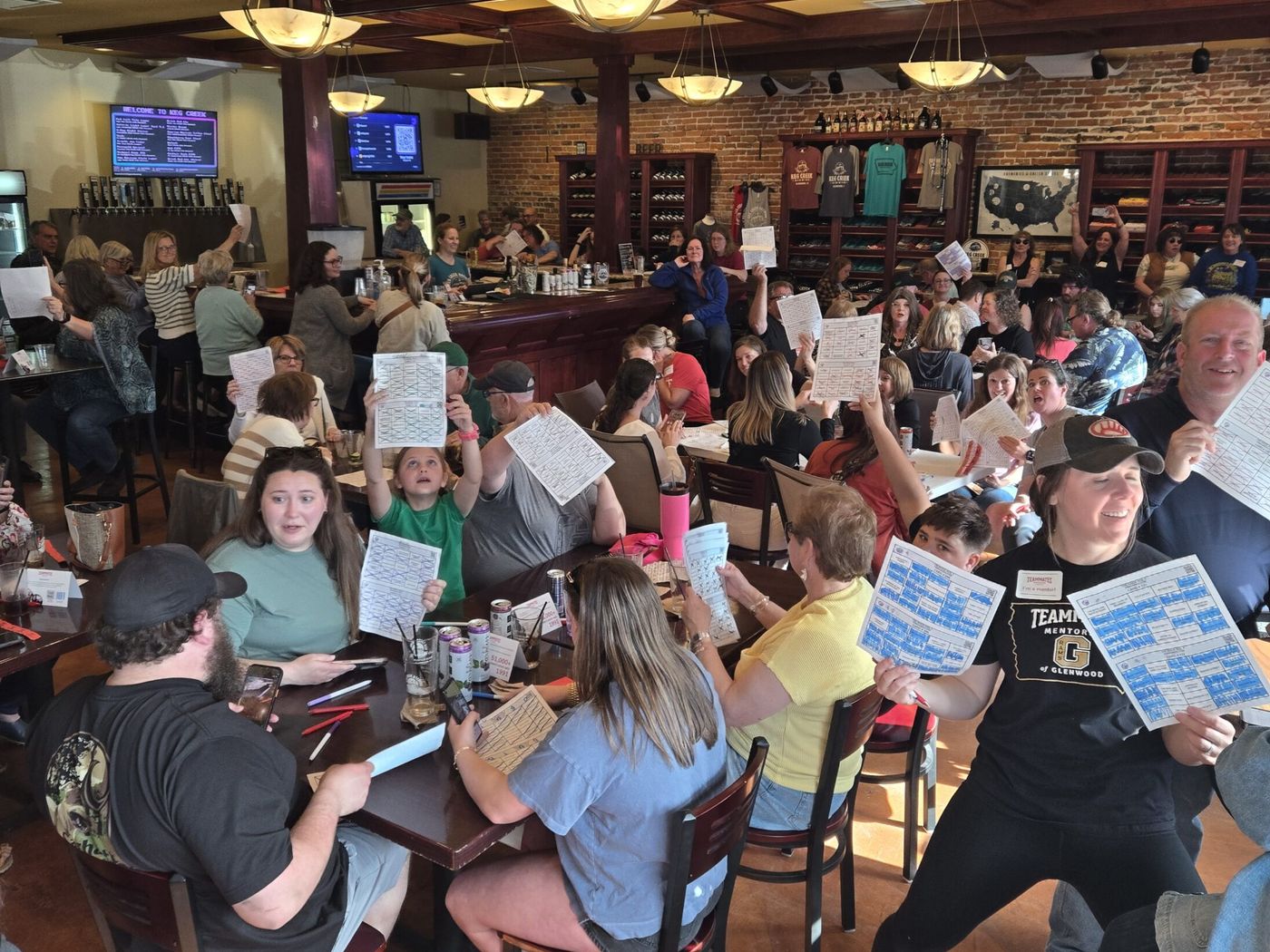
Can you play music bingo with YouTube?
Yes. Music Bingo Pro and Name That Tune Pro accept a YouTube playlist link. The songs become the bingo cards, and the videos play on your TV while players mark their cards.
One login. Every night of the week.
All 8 games included
Watch
See it run in 30 seconds
Open the Hub, pick a game, players join on their phones, press play. That is the whole setup.
Try it free for 7 daysHow to host YouTube music bingo in 5 steps
- Step 1. Build a YouTube playlist
Use 50 or more music videos the crowd knows. Official videos look great on the bar TV. - Step 2. Copy the playlist link
On YouTube, open the playlist, tap Share and copy the link. - Step 3. Paste it into Music Bingo Pro
Open the Hub at musicbingo.pro/hub.html, choose Music Bingo Pro or Name That Tune Pro and paste the link. - Step 4. Cards on paper or phones
Print cards or show the QR code on the TV for phone cards. Mix both if you like. - Step 5. Play the videos and call it
Each song plays and the title reveals on screen. The game checks every BINGO so you can work the room.
Why music videos work so well at bars
- People who walk in mid-game see what is happening and join in.
- Throwback videos (80s, 90s, 2000s) get the whole room singing.
- Video works with the sound low during dinner hours.
- It looks bigger and more fun than a host with a laptop and paper.
Tips for a YouTube playlist
- Use official videos or lyric videos with a strong start, not long intros.
- Check the playlist on the venue Wi-Fi before the night starts.
- Avoid videos with long spoken intros or ads in the middle.
- Keep one theme per game and save each list so you can reuse it.
Note on streaming services: Spotify and YouTube terms generally do not allow public or commercial playback. Hosts and venues are responsible for the music rights their event needs. Music Bingo Pro also includes 300+ ready-made playlists.
Frequently asked questions
Do I need YouTube Premium for music bingo? ⌄
YouTube Premium removes ads between videos, which keeps the game smooth. It is strongly recommended for live events.
Can I use the same YouTube playlist for Name That Tune? ⌄
Yes. Name That Tune Pro takes the same YouTube link, plays a short clip and teams race to name the song.
How many videos do I need? ⌄
Plan 50 to 75 songs per full game of music bingo. Three playlists fill a two-hour night.
Do players need an app? ⌄
No. Players scan the QR code on the TV and play in their phone browser, or use printed cards.
Run it yourself this week
All 8 games, one login, any TV. Free for 7 days, no credit card.
More: Music bingo & trivia by state · Related: Music Bingo Pro · Trivia night software · Name That Tune · How to host · Music bingo for bars · For DJs